
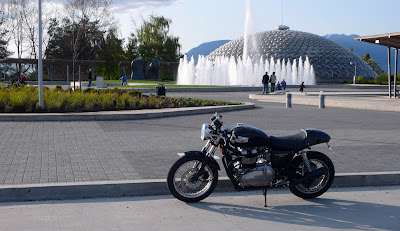
Most of the default Blogger templates display a white border and box shadow frame around every posted image like the example below:
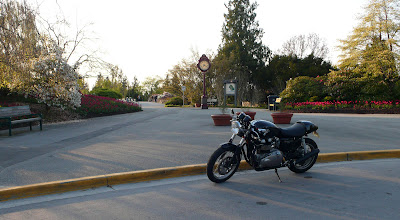
But some bloggers prefer to have their images displayed without the border and shadow like so:
Method 1:
If you want to remove the borders from all of the images on your blog, add the following code to your CSS. Design > Template Designer > Advanced > Add CSS:
.post-body img, .post-body .tr-caption-container, .Profile img,
.Image img, .BlogList .item-thumbnail img {
    border: 0px;
    -moz-box-shadow: 0px 0px 0px rgba(0, 0, 0, .0);
    -webkit-box-shadow: 0px 0px 0px rgba(0, 0, 0, .0);
    box-shadow: 0px 0px 0px rgba(0, 0, 0, .0);
    border-radius: 0px 0px 0px 0px;
    background: none;
}
Method 2: If you want to selectively remove the borders from specific images, add this code to your CSS.
Design > Template Designer > Advanced > Add CSS:
img.noborder {
    border: 0px;
    -moz-box-shadow: 0px 0px 0px rgba(0, 0, 0, .0);
    -webkit-box-shadow: 0px 0px 0px rgba(0, 0, 0, .0);
    box-shadow: 0px 0px 0px rgba(0, 0, 0, .0);
    border-radius: 0px 0px 0px 0px;
    background: none;
}
Then in your post editor HTML tab, edit the img tag(s) for each of the images you want to remove the borders from by assigning them to the "noborder" class like this:<img class="noborder" src="http://YOURIMAGEURL">

